Twenty food vendors. One application. One link.
Post your festival on TXFVA and every vendor applies at one link with the same application, their documents attached. Accept in a tap, ask for the insurance certificate with your wording, give out spaces and load-in windows, and check them in on the day by scanning their TXFVA ID. Nothing to chase two weeks out.
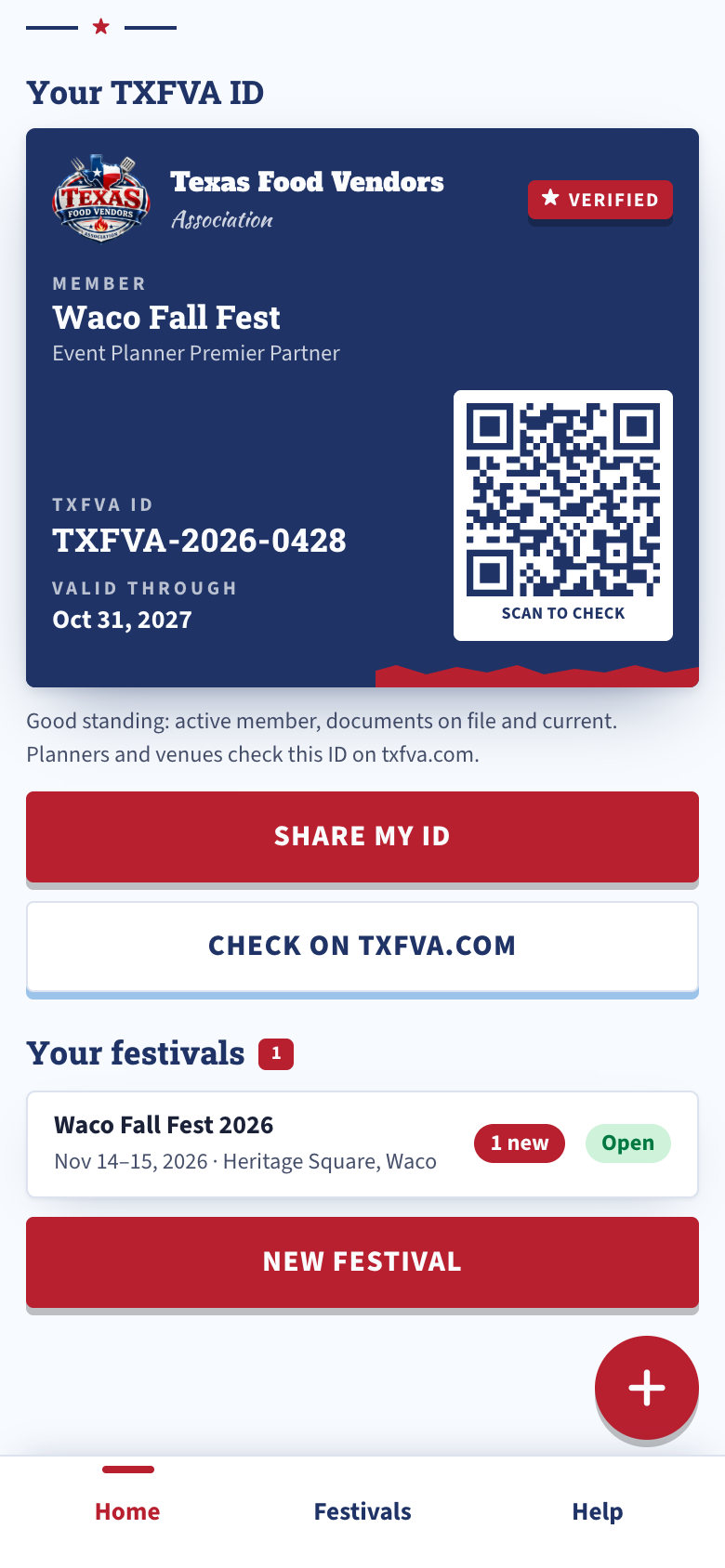
Your festival's vendor applications, in one place.
One link for your festival
Create the festival in the app: dates, the place, spaces and fees, the documents you require, your rules, your own questions. Publish, and it's one link any vendor applies at, member or not.
The standard application, plus yours
Every application comes in the same shape: business, contact, the truck or trailer and its specs, power and water, the menu, the documents you required, your questions, a signature. TXFVA members apply in one tap with the documents already in their app.
Invite your vendor list
Paste or pick your list, up to 500 at a time. Each vendor gets your invitation to apply, and the Invited list shows who has applied.
Accept, waitlist or decline
One tap. Accepted vendors get the email with the dates, the fee, the due date and your pay link or instructions. Mark Deposit or Paid as it lands, and Paid sends the receipt. TXFVA records the fee and never handles the money.
Request what you need
The certificate of insurance with your additional-insured wording, the temporary event permit, the final menu: ask one vendor or every accepted vendor at once, with a due date. Vendors answer from the app or from a link, no account needed. Reminders go out until it's in, and every step is logged.
One message to every accepted vendor
Parking, a change of plan, the weather call. Logged on each application and in your Messages list, so you know who was told what.
The site map and space numbers
Upload the map, image or PDF, with a note. It shows on your application page. Give each vendor a space number on the Spaces board; they get the email with the map and see their space in the app.
Load-in windows
Set the windows: day, time, how many vehicles each, a note on where to enter. Accepted vendors pick one in the app, or you assign. The Load-in board shows each window and who's in it.
Check them in on the day
Scan the QR on the vendor's TXFVA ID with your phone, or search by name, business or space. Check in, undo. The list shows accepted first and how many are in, with the number to call.
Volunteer shifts with a public sign-up
Post shifts with how many you need. People sign up at a link, no account, and get their own link to change shifts or cancel. Confirm, check them in, message them all.
Everything, exported and backed up
Download the whole festival as one zip: every application with its files as a PDF, a spreadsheet of every field, requests, invites, messages, volunteers, the full log. TXFVA makes the same backup every night and keeps 14 days of them for you to download.
Phone, iPad and computer
On your phone and iPad in the TXFVA app: Home, Festivals, Help. On a computer, the same account at app.txfva.com. You and one more user, both seeing the same festivals.
What you see on your phone.
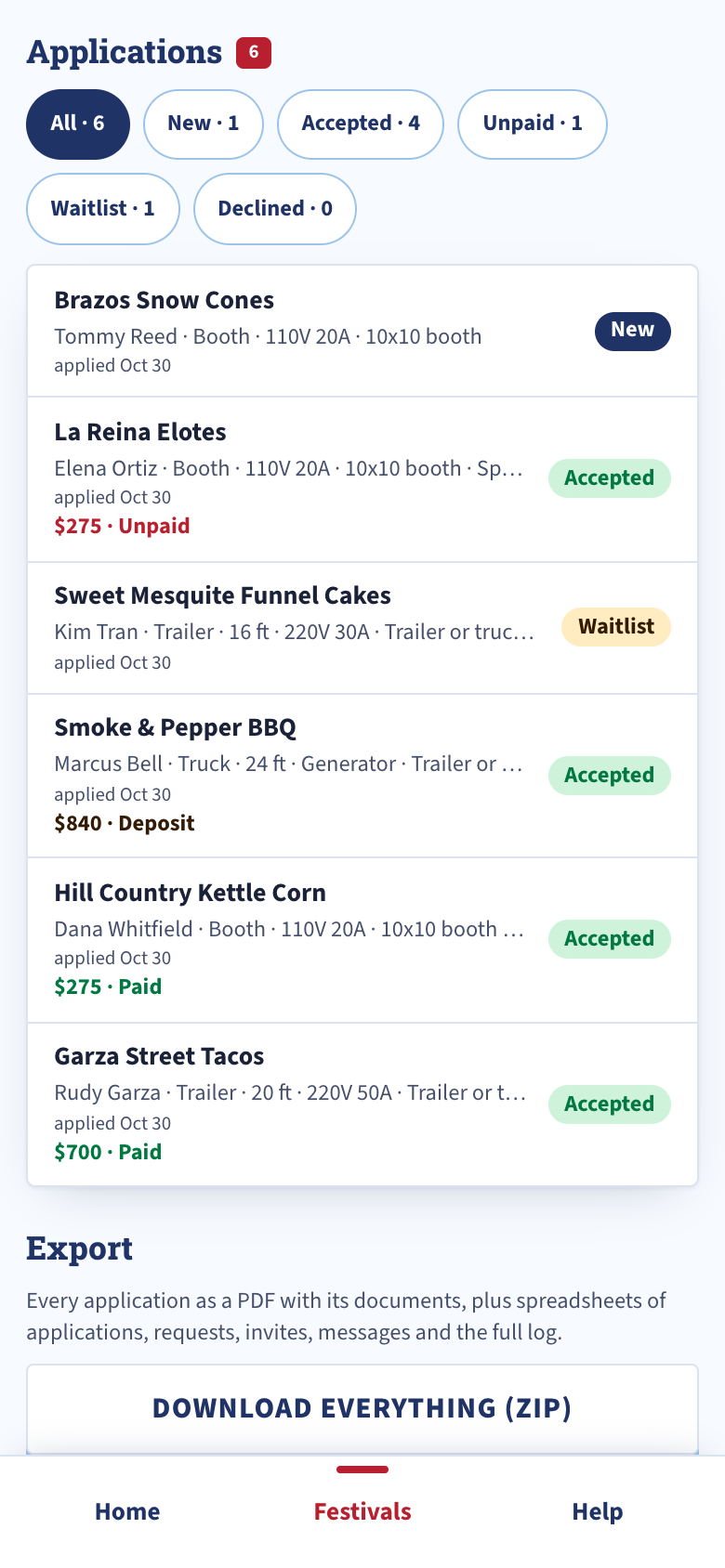
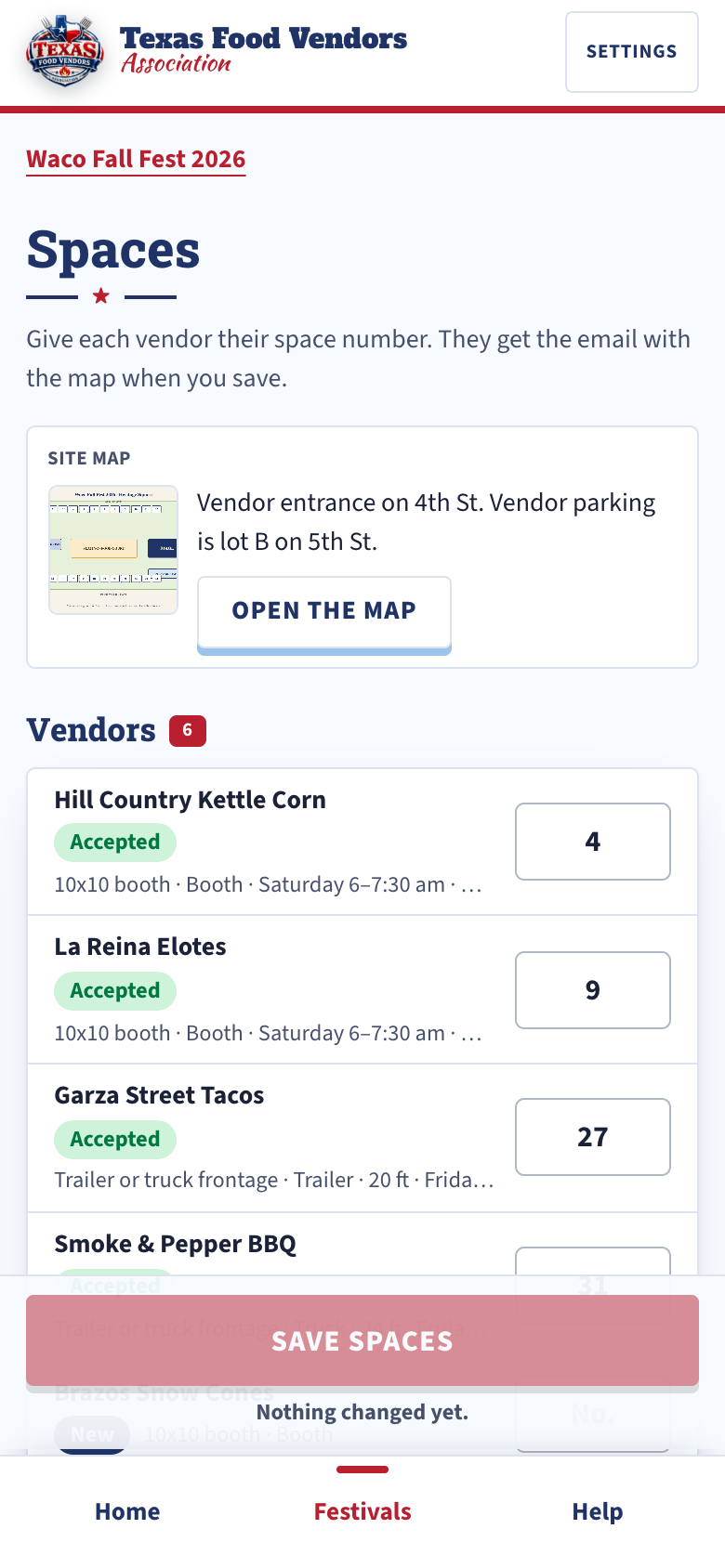
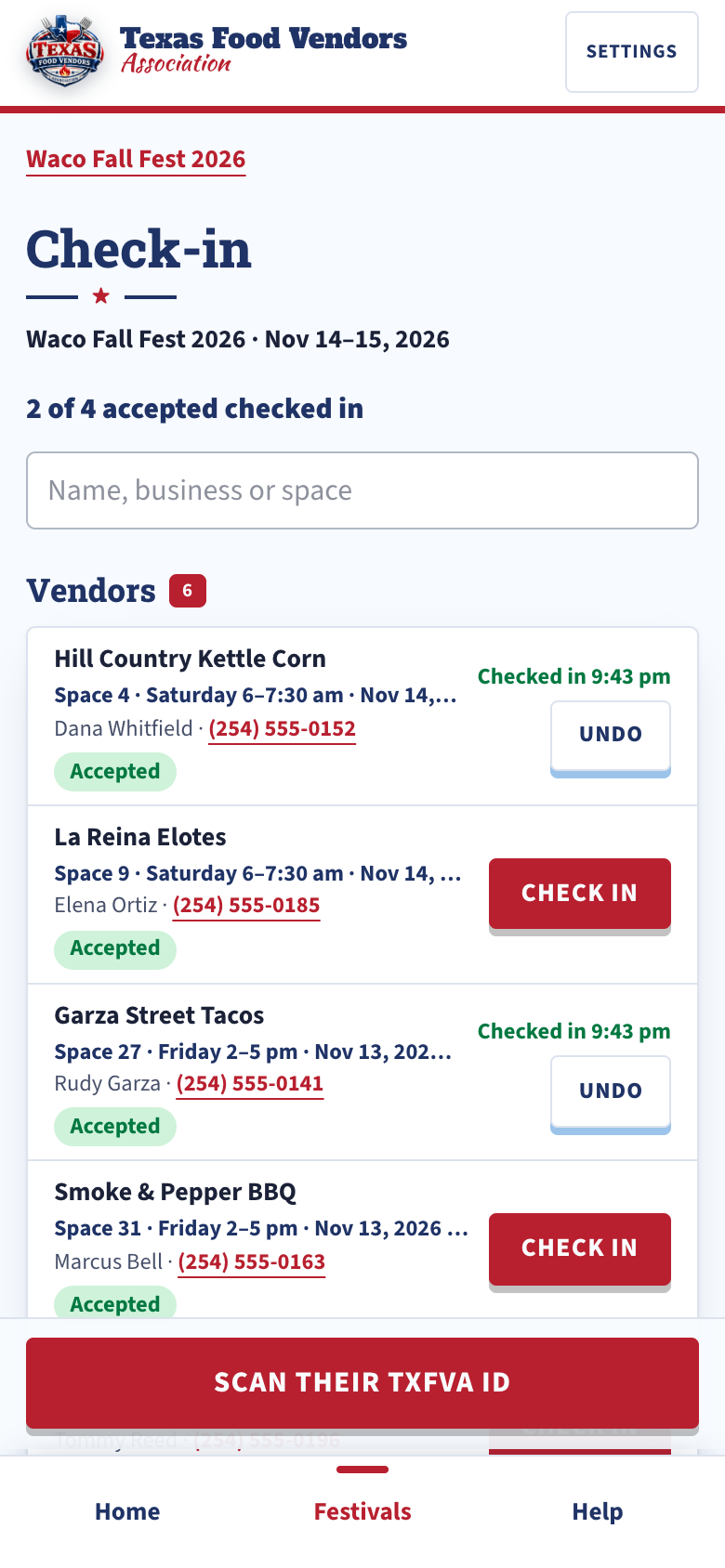
From the first application to the last truck out.
- Join and create the festivalJoin as an Event planner or Event venue, Premier. Sign in to the app, create the festival, publish its link.
- Applications come inSend the link, or invite your list. Members apply in a tap. Accept, waitlist or decline; the emails go out with the fee and your pay link.
- Get the festival readyRequest the documents you still need. Give out space numbers with the map. Open the load-in windows and the volunteer sign-up.
- The day ofScan each vendor's TXFVA ID and they're in. The Check-in list shows who's here and who to call. Afterward, download the whole festival.
One level. Everything above.
Event planners and event venues join at the same Premier partner level. Vendors never pay to apply, and TXFVA never takes a cut of your vendor fees.
Food vendors with a Verified membership and up apply to your festival in one tap from the TXFVA app, with their documents. What the app does for a vendor.
- The TXFVA app for 2 users: you and one more
- Festivals and applications, no cap
- Document requests, invitations, messages, with the log
- Site map and spaces, load-in windows, day-of check-in
- Volunteer shifts with the public sign-up
- Export any time, and a backup of every festival every night
- Your TXFVA ID and a profile on txfva.com
Not ready to join?
Tell us what you run and we'll be in touch. Nothing gets published.
Sent.
We'll reach out at the email you gave. In the meantime you can browse vendors and confirm a vendor's standing.