The right documents, on the spot.
When an inspector, a festival or a venue asks, show or send exactly what they need from your phone. Apply to a festival in one tap. Your staff, your events and your member card are in the same app, on your phone, iPad and computer.
The iPhone and Android apps are in testing now (TestFlight and a direct Android install), for food vendors and planners. Leave your email and we'll send an invite after a quick look.
Built for the truck, the booth and the office.
Every document in its place
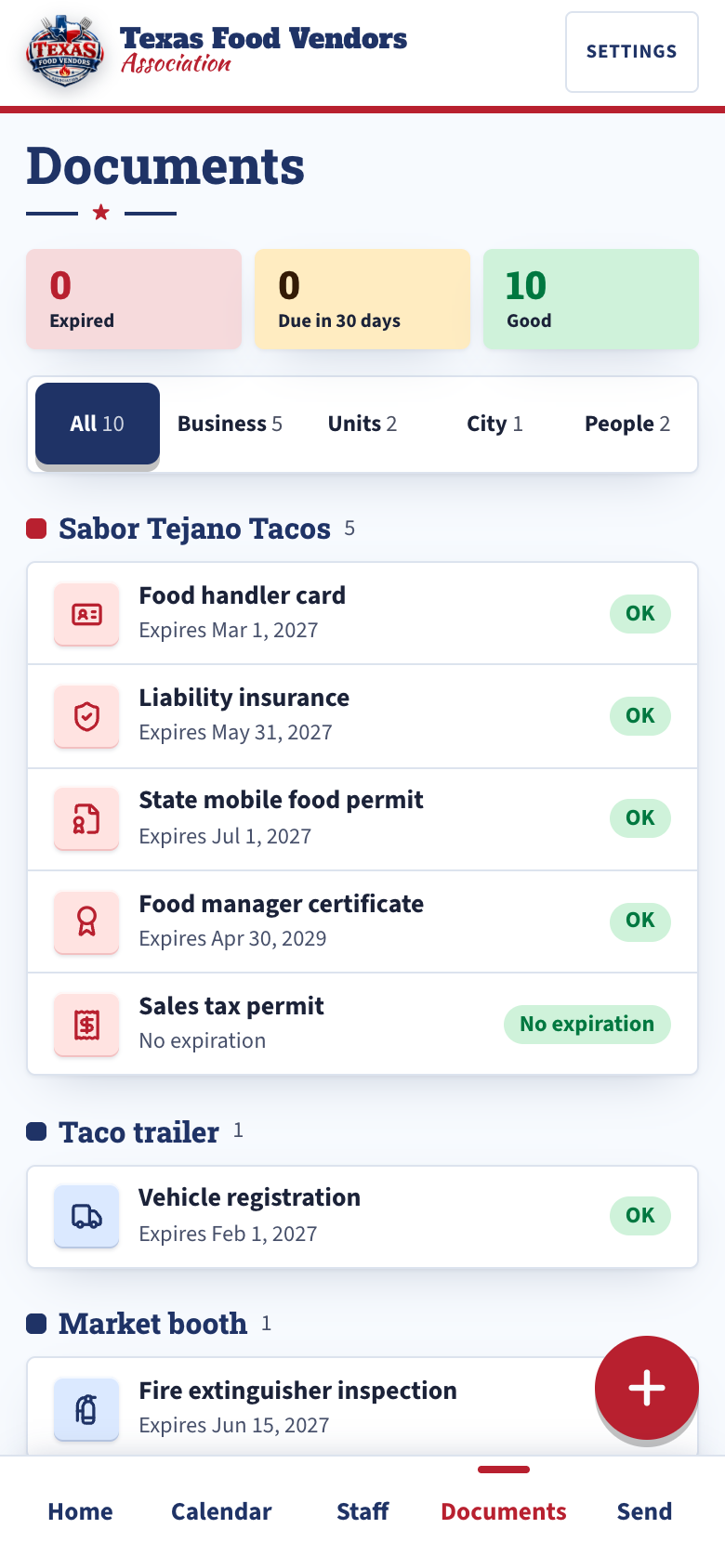
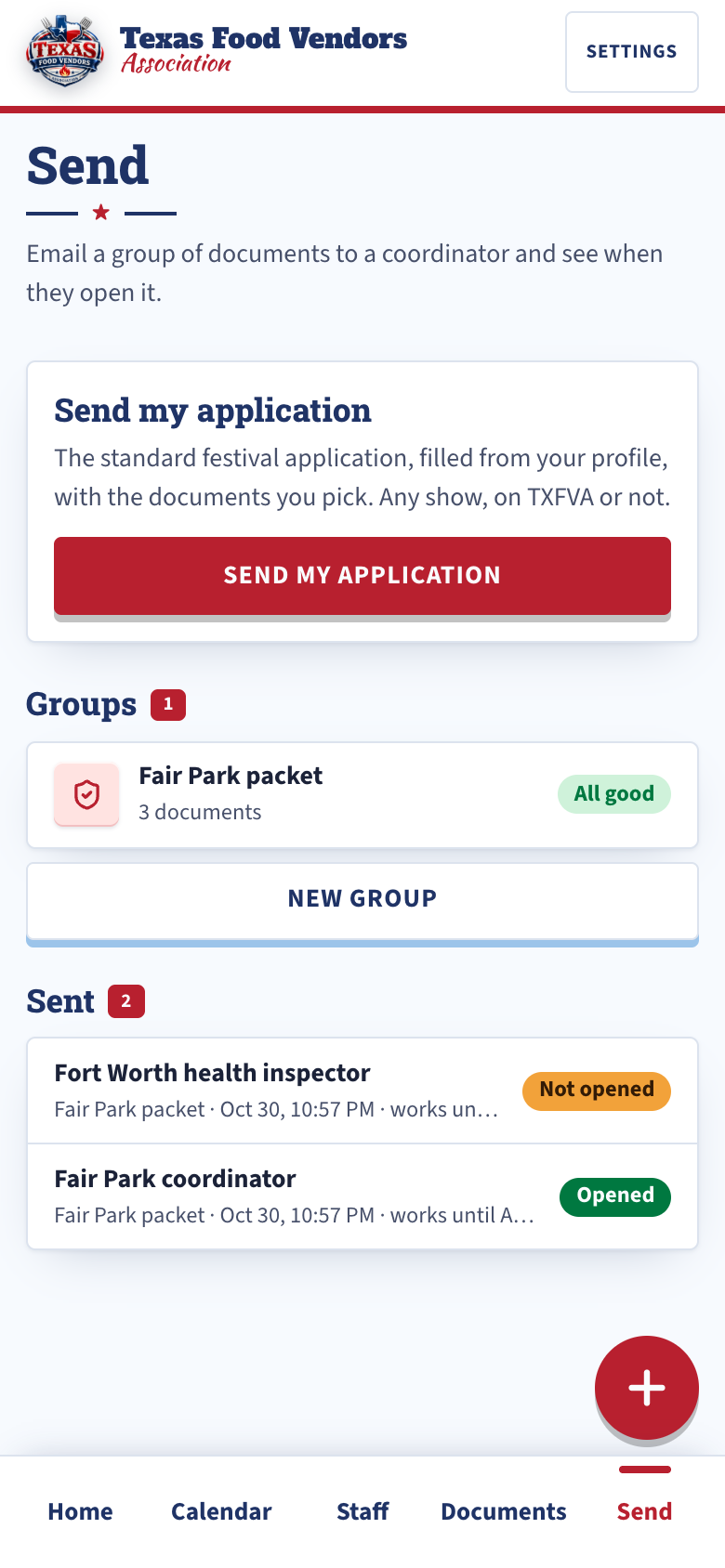
Permits, licenses, insurance and cards belong to the business, a truck, trailer or booth, a city, or a person on your staff. Take a photo and the phone app reads the expiration date and the number off it, or type them in.
Show it at the window
Show on this phone puts the document full screen: the photo, or every page of a PDF. It works with no signal, so the inspector sees it even where the lot has none.
Send exactly what they ask for
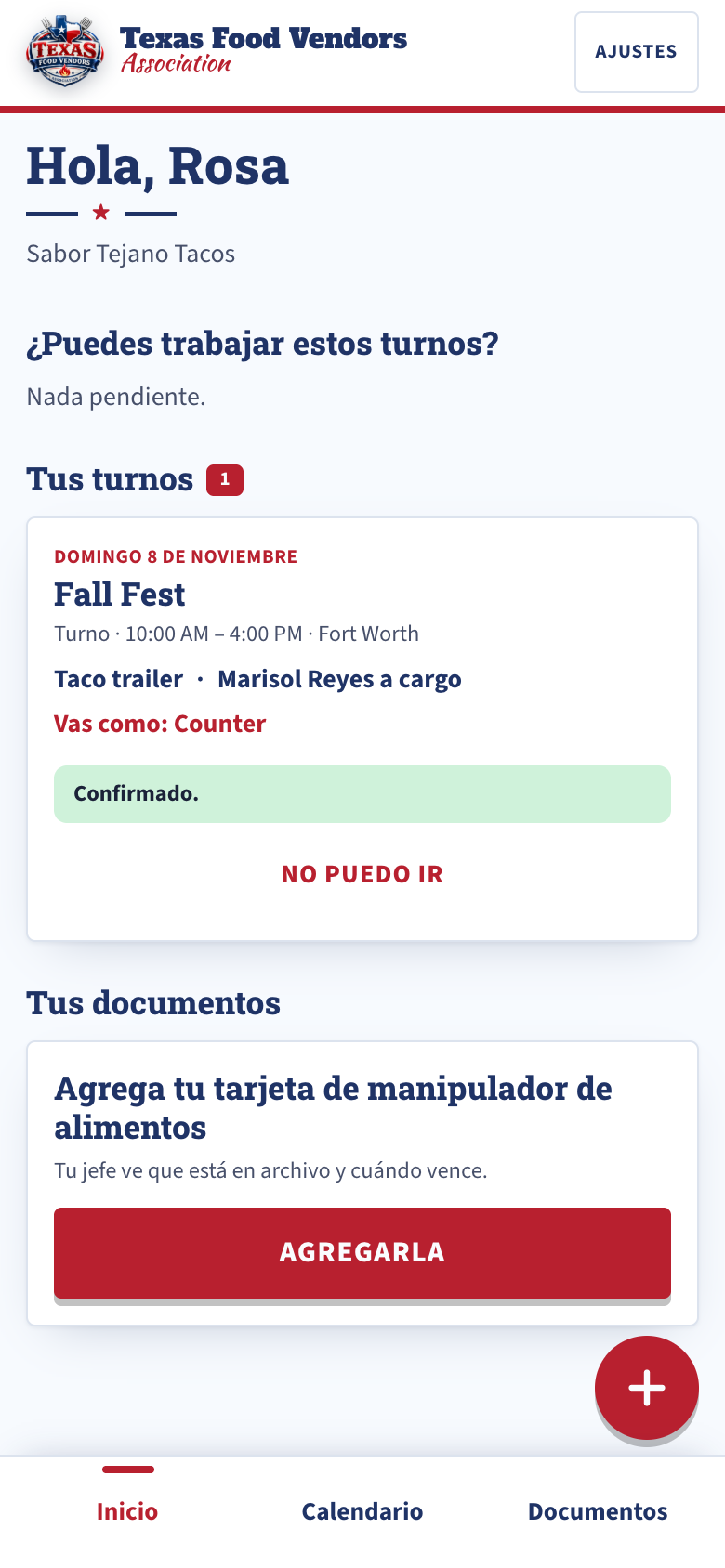
Pick the documents a festival or city wants and email them: one PDF attached, your standing on the cover, plus a link. You see when they open it. The link works 180 days, or until you stop it. Send it again any time.
Warned before anything lapses
Phone alerts and email at 60, 30 and 7 days, and the day a document lapses. Each one names the exact document and who or what it belongs to.
Staff join free
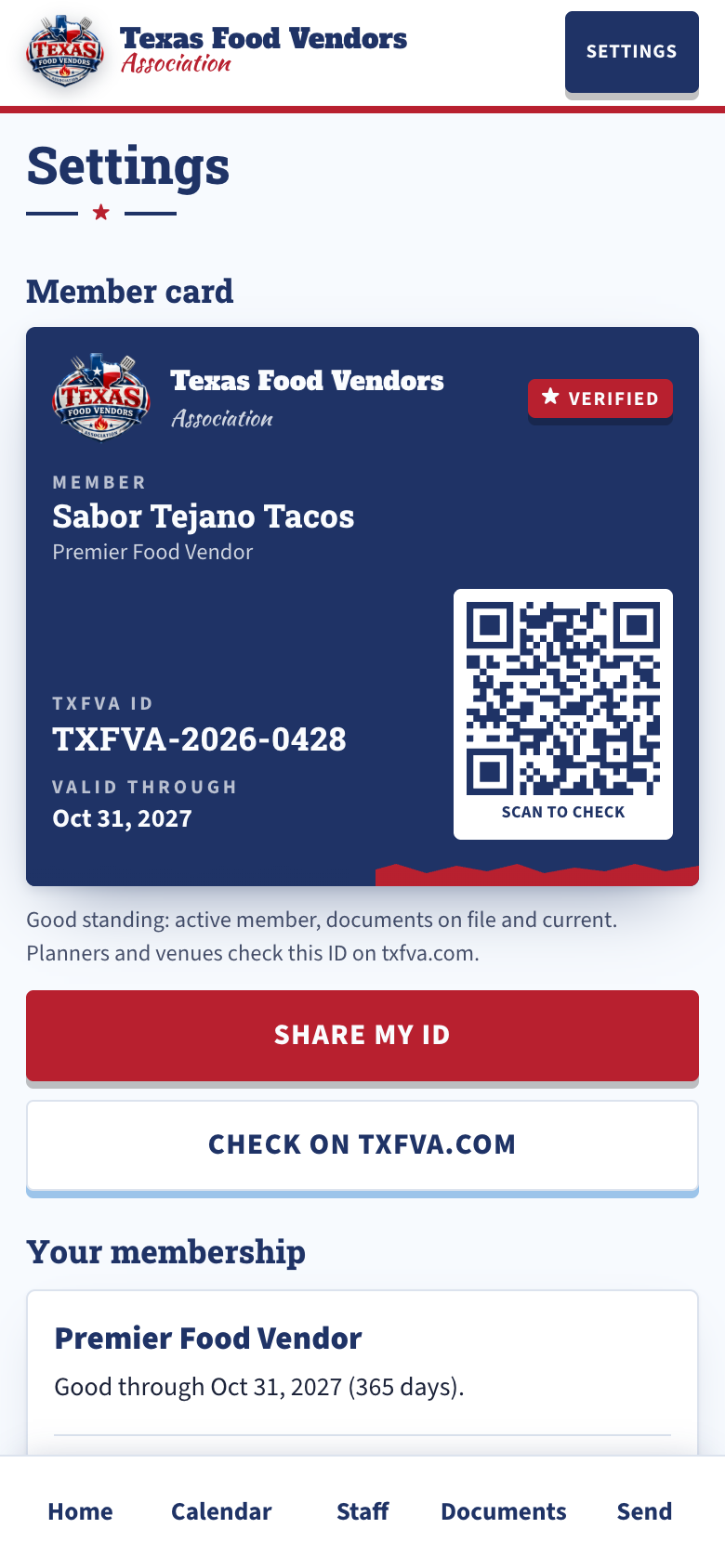
Add staff by email with a join code, sent in English or Spanish. They answer shift asks, confirm, and keep their own food handler card current. Ask a staffer for their card and it lands under their name. Staff who haven't joined yet get a Yes/No link for each shift ask, no app or password. Staff don't pay.
Shifts for every event
Link the calendar your events are on. Set each shift's truck, jobs and who's in charge, ask your staff, and put people on. If someone drops out, you know right away.
Your member card
Your TXFVA ID with a QR code. A planner or venue scans it and sees on txfva.com that you're a member in good standing. On the day of a festival, that same scan checks you in.
Apply to a festival by tap
Open a TXFVA planner's festival link signed in and the application is already filled: business, contact, your truck or trailer and its specs, power and water, your menu. The documents the festival requires are picked from the app, newest first. Tap Send.
Send my application
For a show that isn't on TXFVA yet. The standard festival application, filled from your profile with the documents you pick, goes to the organizer as one link and a PDF. You see when it's opened. Send it again, or stop it. 180 days.
Every festival you applied to, on Home
Applied, waitlisted, accepted or declined, with the planner's answer. Accepted shows the fee, the due date and the planner's Pay button, your space number with the site map, and the load-in windows to pick from.
Answer a document request from Home
When a planner needs your certificate of insurance with their wording, or the city's temporary permit, the request lands on Home with its due date. Answer from your documents, or add the new one. Reminders until it's in.
It stays yours
Download my data gives you everything on your account as one file, any time. Delete my account ends the membership and removes it all.
Your festival's vendor applications, in one place.
One link for your festival
Create the festival in the app: dates, the place, spaces and fees, the documents you require, your rules, your own questions. Publish, and it's one link any vendor applies at, member or not. Members apply in one tap with their documents.
Accept, waitlist or decline
One tap. Accepted vendors get the email with the dates, the fee, the due date and your pay link. Mark Deposit or Paid as it lands. TXFVA records the fee and never handles the money.
Request what you need
The certificate of insurance with your additional-insured wording, the temporary event permit, the final menu: ask one vendor or every accepted vendor at once, with a due date. Reminders until it's in, every step logged.
Spaces, load-in and check-in
Upload the site map and give each vendor a space number. Set load-in windows; vendors pick one. On the day, scan the QR on their TXFVA ID and they're checked in.
Volunteer shifts with a sign-up link
Post shifts with how many you need. People sign up at a link, no account, and get their own link to change or cancel. Confirm, check them in, message them.
Export and nightly backups
Download the whole festival as one zip: every application with its files, a spreadsheet of every field, the full log. TXFVA makes the same backup every night.
What you and your staff see.
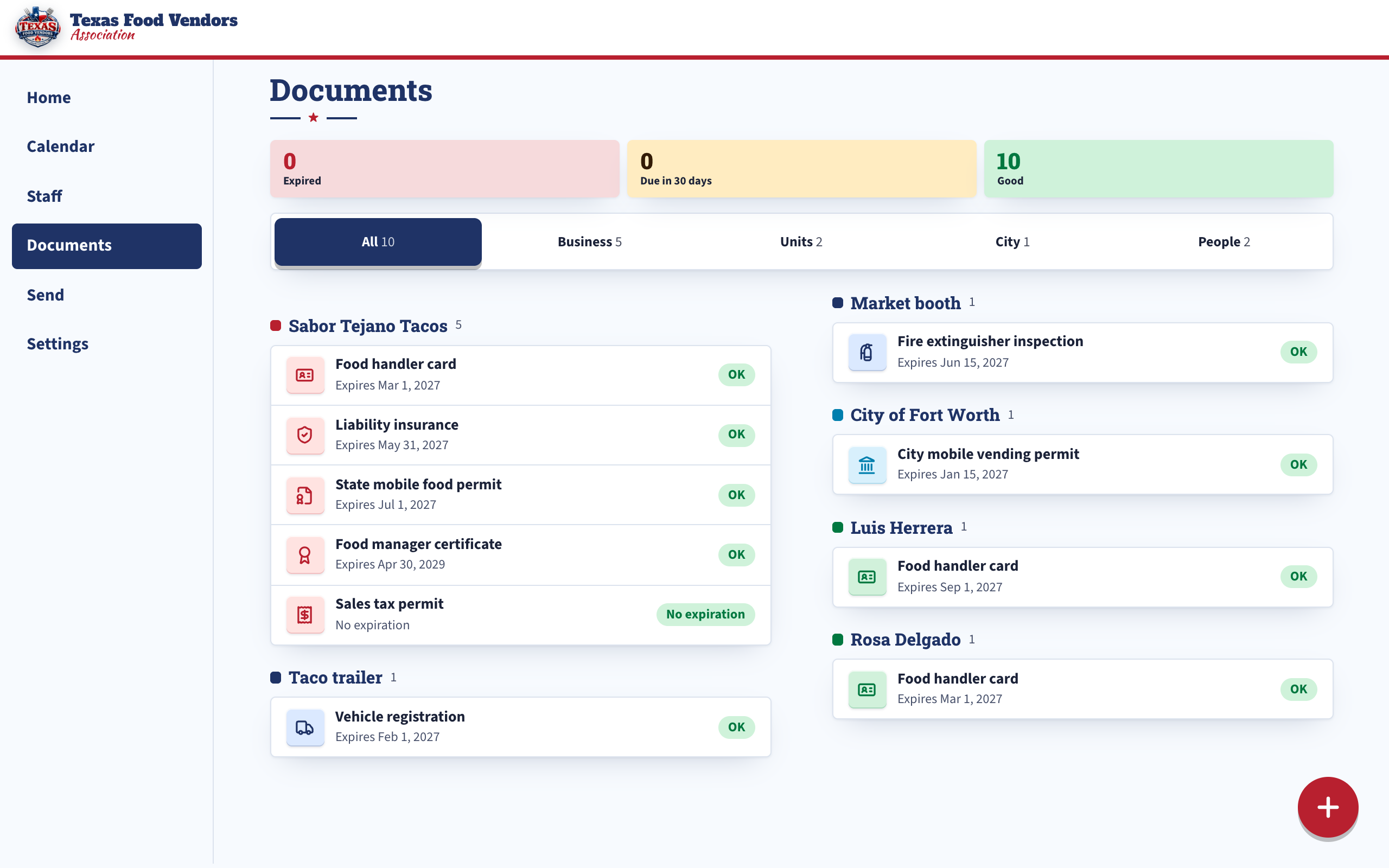
One account on every screen.
Phone at the truck. iPad at the booth. Computer in the office. It's the same account everywhere, so a change in one place shows up in all of them, and on txfva.com.
- You and a co-owner or manager, Premier and up
- Both of you get the same documents, alerts and staff
- Staff use the app on their own phones
What comes with each level.
- The TXFVA app for 1 user
- 1 truck, trailer or booth; add more for $9.99 a year each
- Staff join free
- TXFVA ID, QR verification page and directory listing
- The TXFVA app for 2 users: you and a co-owner or manager
- 6 trucks, trailers or booths; add more for $9.99 a year each
- Staff join free
- Premier public profile with menu, setup details and booking links
- The TXFVA app for 2 users
- 12 trucks, trailers or booths
- Add more any time for $9.99 a year each
- Staff join free
Event planner and event venue Premier partners, $99.99 a year, get the app for 2 users with their festivals in it (what planners get). Supplier Premier partners get the app for 2 users. Moving up a level partway through the year costs only the difference for the days left.
How to get it.
Members sign in at app.txfva.com on any phone, tablet or computer, today, with the email and password they joined with.
The iPhone and Android apps are in testing now. You sign in the same way, and everything is already there.